
Free · 10 stickers
Christmas stickers for your gift exchange
Piñata, tamal, ponche and the lines every exchange group chat needs, in Mexican Spanish: «¿Quién me tocó?» (who did I get?), «¡Ya compré mi regalo!» (I bought my gift!). Download them free and send them on WhatsApp.
ZIP with 10 PNG images · 650 kB
A gift from Gift2Gift, the free app to organize your gift exchange: draw names by link and share wish lists.


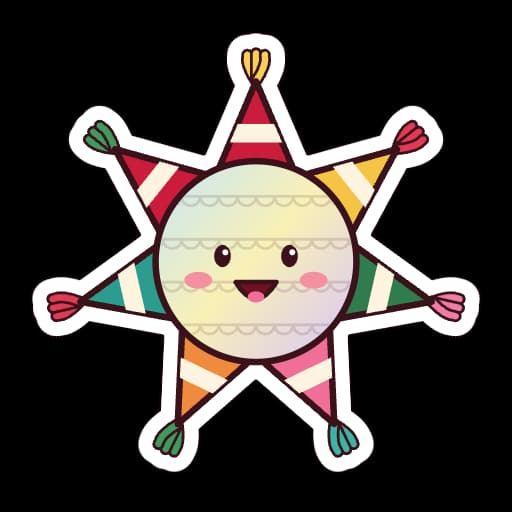

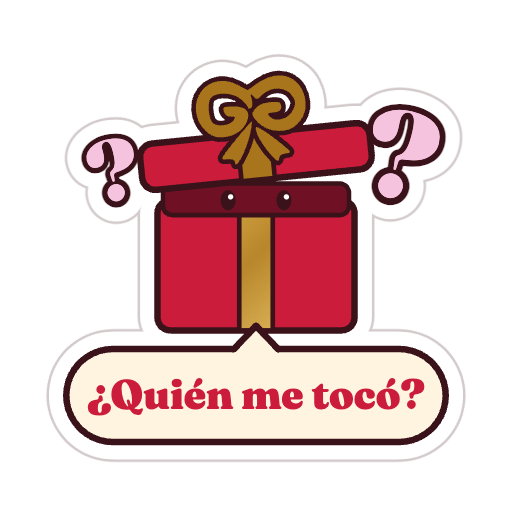
All 10 stickers
Pick one to see it big and download it on its own.
How to use them on WhatsApp
A website can only give you images to download: there is no one-tap button that adds them to WhatsApp. Here is how to use them:
Android
- Download the sticker you want, or the ZIP with all 10.
- Send it in the chat as an image: tap the paperclip and choose Gallery.
- To keep it as a sticker: if your WhatsApp has “Create sticker” in the sticker panel, pick the image; if not, add it with a sticker maker app from the Play Store.
iPhone
- Tap a sticker to see it big.
- Press and hold the image and choose “Save to Photos”.
- Send it as a photo, or turn it into a sticker with “Create sticker” if your WhatsApp has that option in the sticker panel.
Computer
- Download the ZIP and unzip it.
- Drag the sticker into your chat on WhatsApp Web or the desktop app: it arrives as an image.
Have you set up your gift exchange yet?
Gift2Gift is free: name your exchange, share the link in the group chat, and everyone sees who they got and what that person put on their wish list.
108,000+ gift exchanges organized with Gift2Gift